![Logo_white-without-background (1).png]](https://help.primetag.com/hs-fs/hubfs/Logo_white-without-background%20(1).png?height=40&name=Logo_white-without-background%20(1).png)
Accessing Your Campaigns
In the Campaigns section, you'll see an overview of all your campaigns. To quickly find a specific campaign, click Search in the top right corner and enter its title. This allows you to access it instantly without scrolling through the entire list. If you have added labels to your campaigns, you can also filter by them using the Labels option.
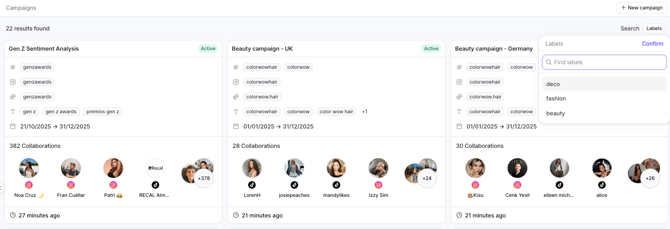
Campaign Overview
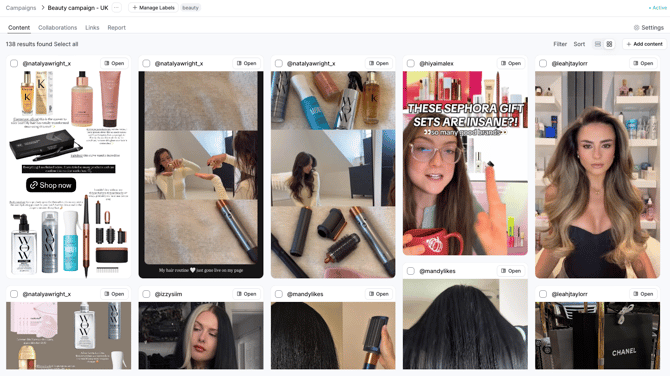
Clicking on a campaign will take you to a summary of its status, organized into three main tabs:
1. Contents Tab
-
View all automatically tracked content from your collaborators in table or grid format.
- Review available KPIs per piece (whether public, private coming from the API for connected influencers or estimated for non-connected influencers).
- Review sentiment analysis for in-feed publications.
- Filter content by platform, format and collaboration.
-
Sort content by publication date, engagements, followers, or views.
-
Click Add Content to access a full library of content from your collaborators and manually add relevant pieces to your campaign.
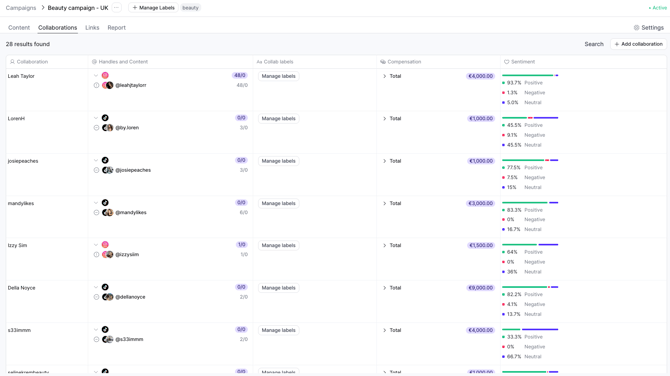
2. Collaborations Tab
-
Review and edit the terms of your collaborations.
- Add Collaboration labels.
- Review sentiment analysis at a collaboration level.
-
Add new impromptu collaborations using the Add Collaboration button.
3. Links Tab
- Manage trackable links
- Add new links
- Assign existing links to new collaborators
- Review click performance by link and by collaboration
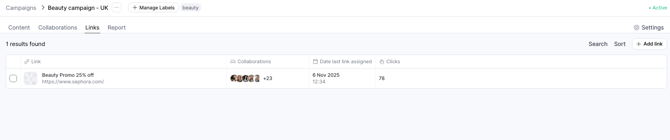
Visit this article to learn more about managing trackable links within your campaigns.
4. Report Tab
This section is divided into three views: Overview, KPIs, and Sentiment Analysis (available only if this add-on is included in your subscription).
You can download a full report in Excel or PDF format using the Export button in the top-right corner. You may also select a custom date range to export performance data for a specific period.
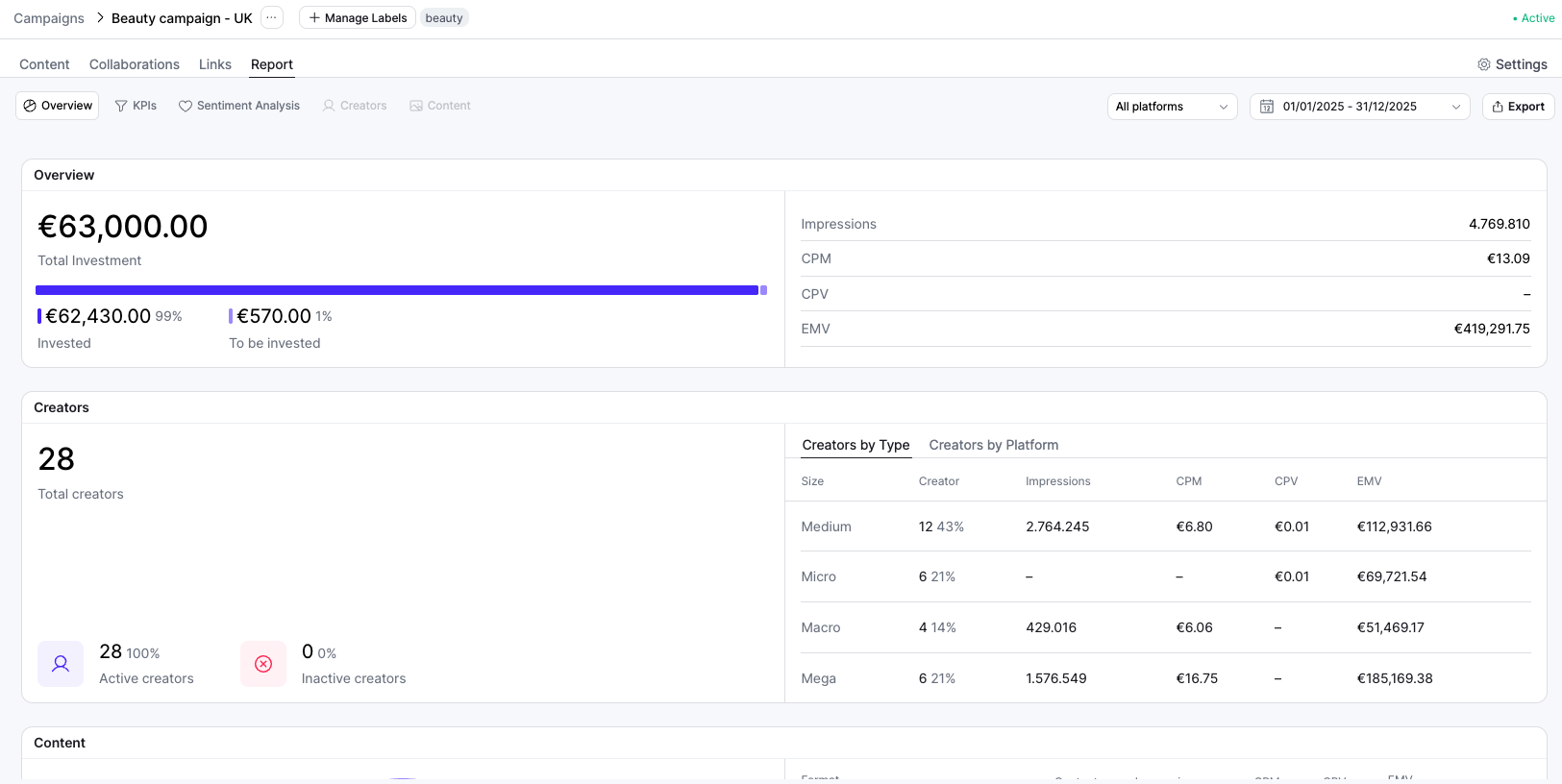
For a detailed explanation of the Report Tab and all available metrics, please visit this article.
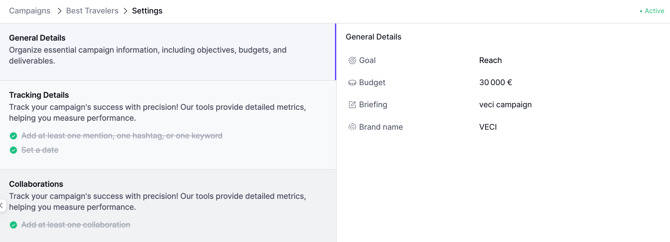
Don't forget that you can fully edit your campaigns at any moment. To modify the initial settings, click Settings in the top right corner. From there, you can adjust General Details, Tracking Details, and Collaborations. Only available when campaign is Active.
If you have any questions or need further assistance, feel free to contact our Support team at support@primetag.com. We’re here to help!